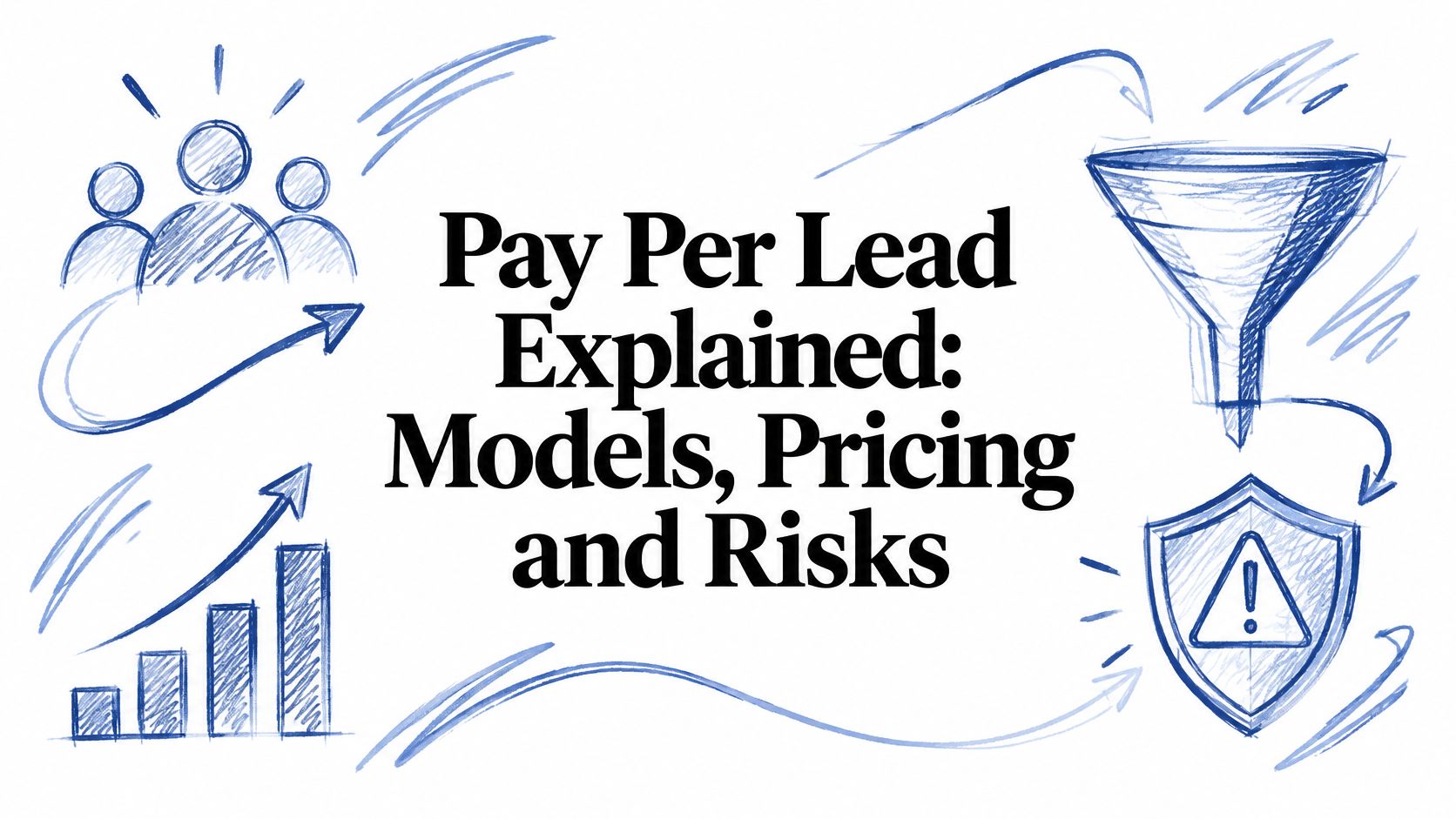
Pay Per Lead Explained: Models, Pricing and Risks
The invoice on your desk says 40 leads at $185 each. Sales tells you eleven people never picked up, four said they never asked for a quote, and two were already deep in conversation with a competitor who bought the same name from the same source. That is $7,400 spent on a contact list. Run the arithmetic. Remove the 17 leads your team could never work, and the remaining 23 cost roughly $322 each. The $185 was the sticker price. The higher figure is what a usable contact cost, and usable is still a long way from closed. Pay per lead means paying for each defined, delivered lead, and every deal runs on the same formula: total acquisition spend divided by the leads generated. The math is easy. The definition is where budgets go wrong, because the formula counts whatever arrived, even when what arrived was a contact list. Prices also vary widely by industry, channel and how many buyers received the same name. Price the lead that survives contact with your sales team, and a more expensive lead can end up cheaper per sale. Table of Contents What Pay Per Lead Means and Why a Lead Is Not a Click How Pay Per Lead Compares With Other Pricing Models Picking the row that fits your business How Lead Prices Are Set and What They Typically Cost Why the figures refuse to agree Setting a price ceiling from your own close rate What Makes a Lead Qualified Enough to Pay For How to Trace a Paid Lead to Revenue Risks, Disputes and Consent Rules to Check Consent changes what a lead is worth Decide Whether Pay Per Lead Fits Your Pipeline What Pay Per Lead Means and Why a Lead Is Not a Click The model shifts who buys the
Website Refresh vs Full Redesign: Which One Do You Need?
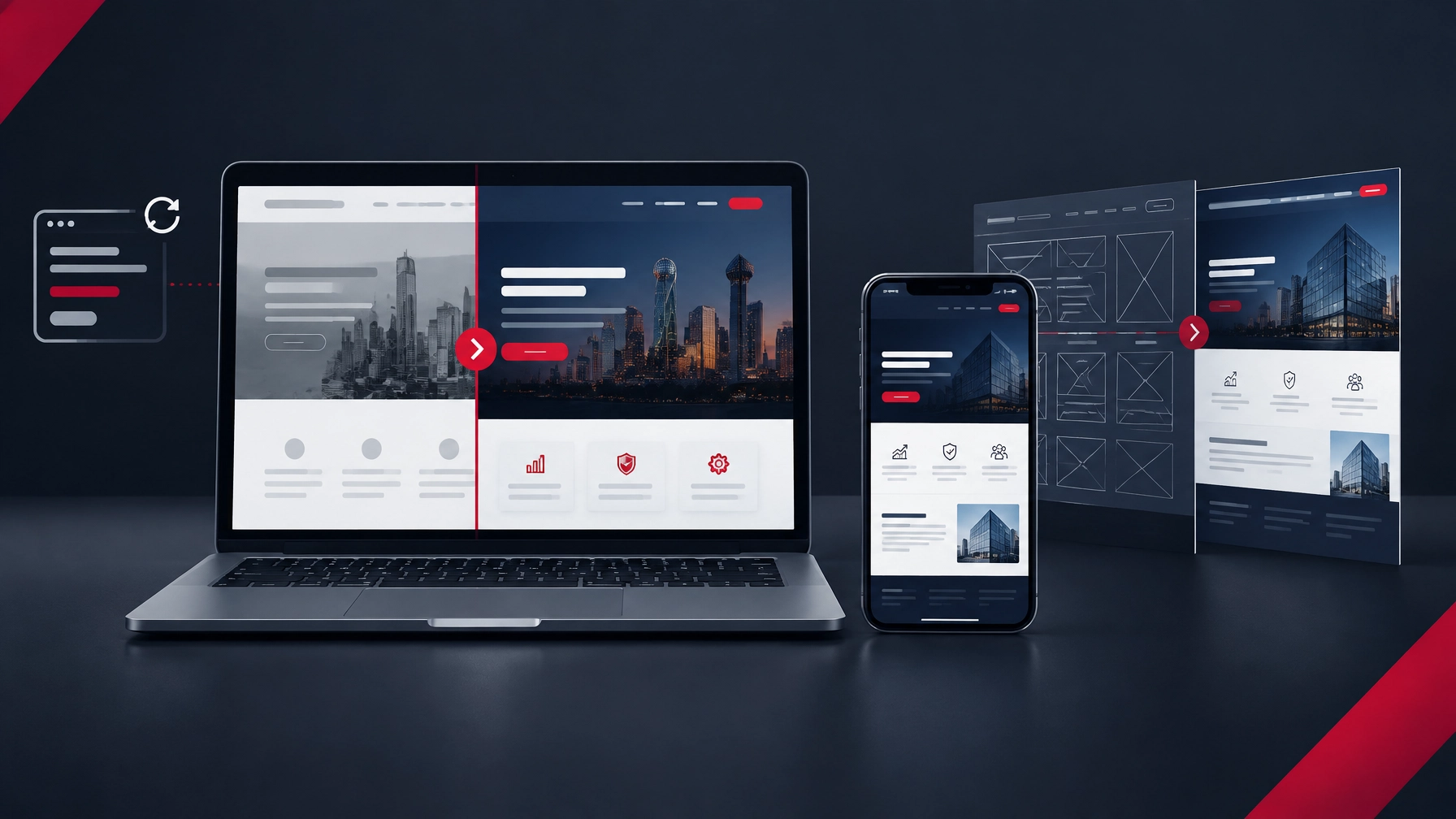
A website refresh is usually the right choice when your site’s structure and platform still work, but its message, conversion paths, speed, or usability need attention. A full redesign makes more sense when your architecture, technology, audience needs, or integrations have outgrown the site. The decision depends on what is broken, not just how old the site looks. What is the difference between a website refresh and a redesign? A refresh improves an existing website; a redesign rethinks how the website is organized and built. Both can improve how your site looks and supports sales, but they solve different problems. A website refresh or conversion sprint focuses on targeted updates. That might mean rewriting key pages, making calls to action clearer, improving forms, correcting mobile issues, or cleaning up technical problems. The current platform and main site structure stay in place. A full redesign involves more fundamental changes. It may require a new sitemap, new page templates, a different content management system, new buyer journeys, or major CRM and API integrations. It is a bigger project because the business needs the site to do more than the current structure can support. The goal in either case is the same: your website should be your best salesperson, not just an online brochure. When is a website refresh enough? A refresh is a good fit when the site has a workable foundation and the problems are concentrated in a manageable number of places. You may not need to replace every page to make the website more useful to buyers. Consider a refresh if: Your services and target audiences are still represented accurately. Visitors can find the right pages, but the messaging does not make the value clear. Leads are not taking the next step because forms, calls to action, or page paths

- Best Website Developers in Dallas for B2B: 2026 Engineering Capabilities, CRM Integrations & Cost Guide
- Custom Web Design in Dallas: How to Hire a B2B Agency for High-Converting Company Websites (2026)
- Top Web Design Companies in Dallas (2026): Agency Comparison, B2B Specializations & Pricing Tiers
- B2B LinkedIn Ads Management in Dallas: Full-Funnel ABM Strategy, Creative Formats & Pipeline ROI (2026)
- B2B Demand Generation Decision Guide
- How a 90-Day B2B Demand Generation Consulting Engagement Works for Dallas Mid-Market Companies
- Hiring a B2B Demand Generation Agency in Dallas: 2026 Pricing, Strategy & Comparison Guide
- Boost your business with our demand generation agency.
- Untitled
- B2B Demand Generation Agency in Dallas: 2026 Pricing Guide